
Seedance 2.0: Transform Videos with Video-to-Video AI 🎬
Restyle, enhance, and extend existing footage with Seedance 2.0. Keep motion smooth, maintain visual consistency, and control camera work using natural language and references.
Generate new videos from reference videos with switchable models
Upload 1-3 reference videos to guide style, camera work, pacing, and motion
Tip: Be detailed and specific for better results. Describe the subject, style, lighting, mood, and composition.
"Transform video style with reference video guidance"
Example Gallery
See what you can create with video to-video
Showcase
Explore a curated wall of AI-generated video clips created with SwayGen. Click any tile to load and play the full video—optimized for fast page performance.




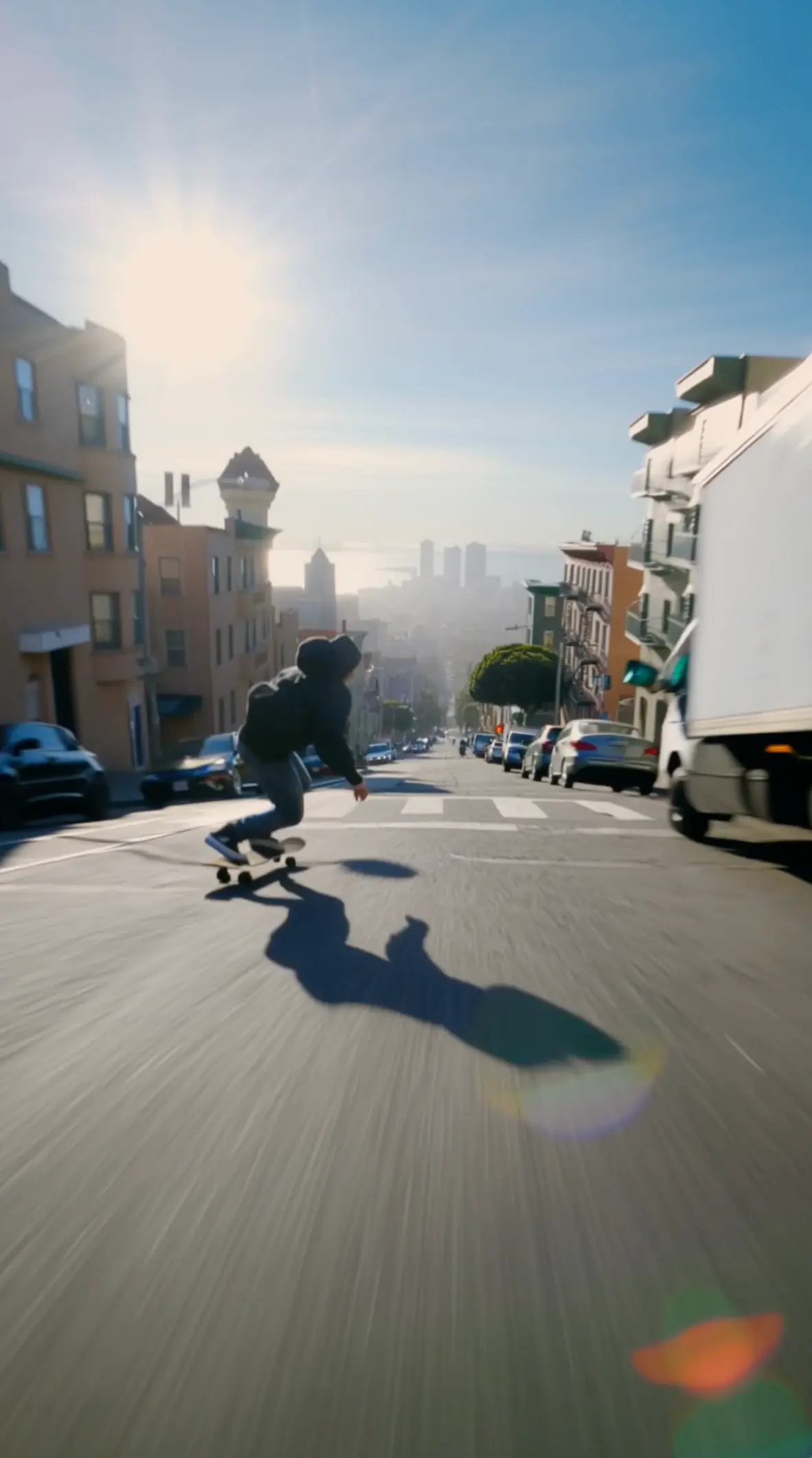

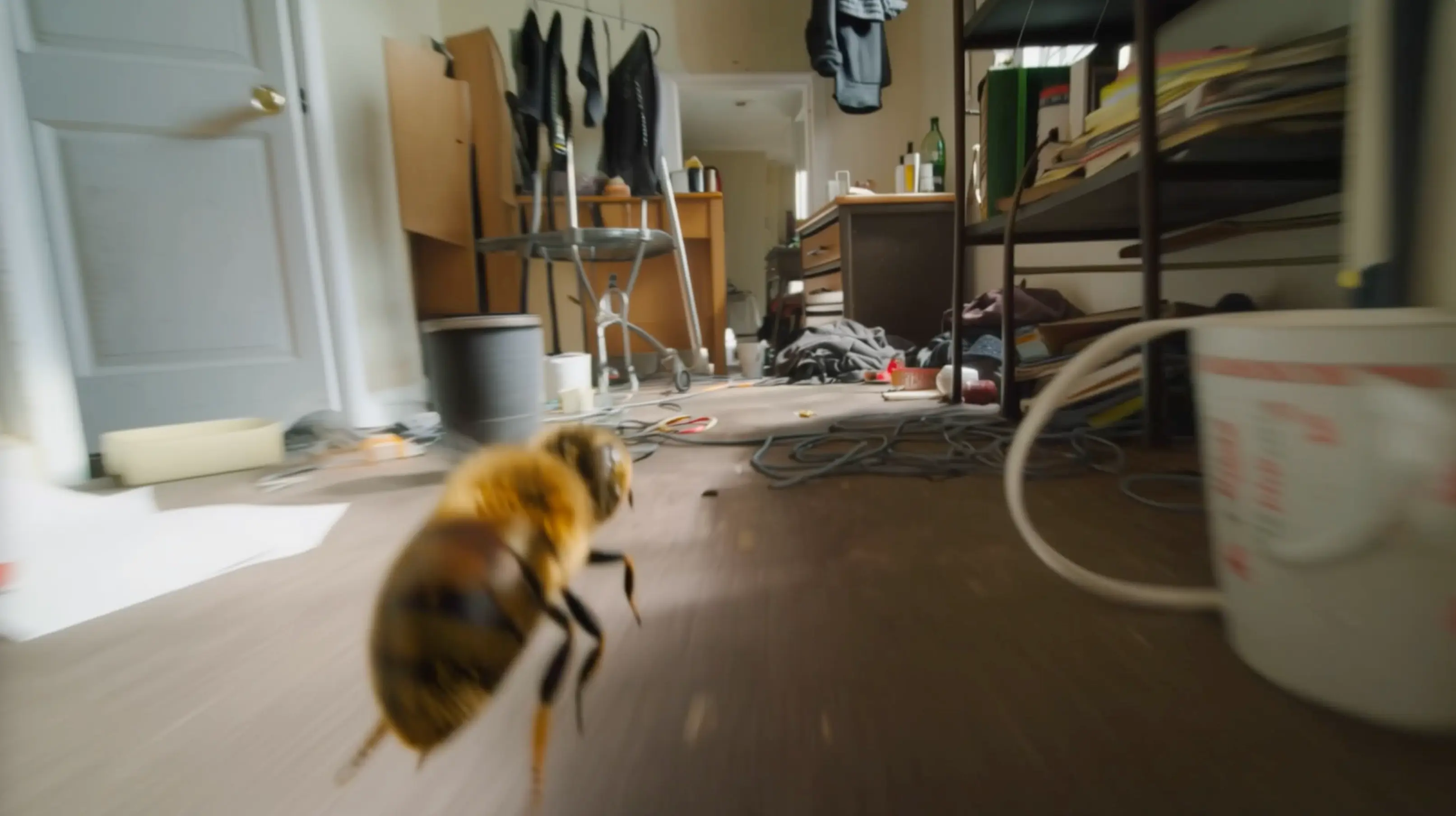





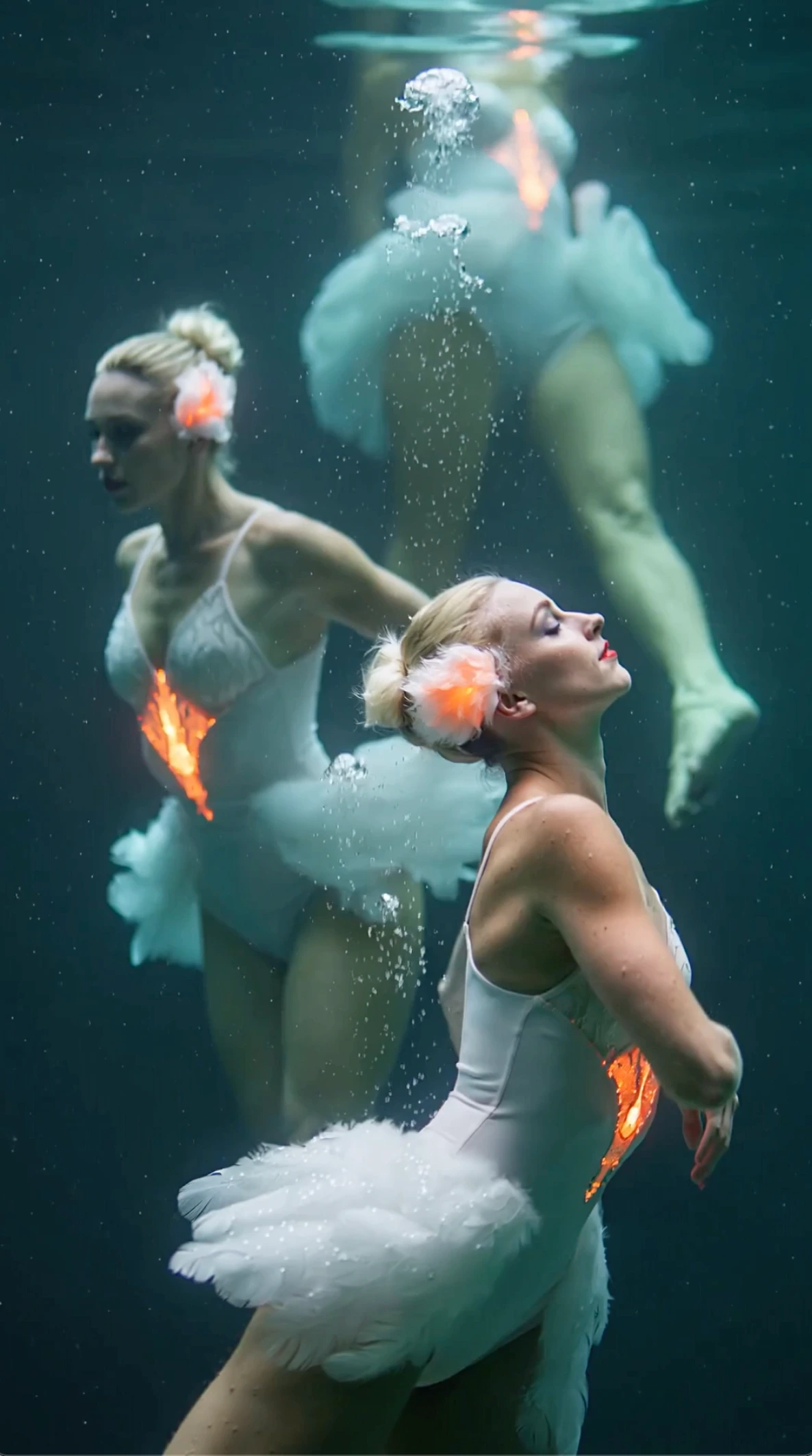
All videos and images shown are AI-generated synthetic content and do not depict real people or real events unless explicitly stated otherwise.
What is SwayGen?
An independent AI video platform for creators
SwayGen is an independent video creation platform for creators who want cinematic clips from prompts and references.
It provides a custom workflow built on top of underlying AI video models, including ByteDance Seedance 2.0, and supports text to video, image to video, and video to video generation through a creator-focused interface.
Independent creator workflow
SwayGen streamlines prompting, reviewing, tweaking, and exporting in a few clear steps.
Powered by advanced video models
Use an optimized workflow built on top of underlying models, including ByteDance Seedance 2.0, for stronger motion and better scene consistency.
Transparent wrapper disclosure
SwayGen is a separate product layer and does not claim to be the original model provider or an official ByteDance service.
Why creators choose SwayGen
Quality that survives iteration
Independent product experience with transparent model disclosure
Smoother motion and more natural transitions
More consistent style across iterations
Faster creator workflow from prompt to export
Powerful Seedance 2.0 Video-to-Video Features 🎯
AI-driven video transformation with director-level control
Restyle - Reimagine
Convert footage into new aesthetics while preserving temporal coherence. Seedance 2.0 keeps frames consistent so your restyled video stays stable and cinematic.
Consistent Visual Identity
Maintain stable faces, outfits, text, and scene details across the clip. Seedance 2.0 reduces flicker and drift for professional-grade results.
Reference Camera - Motion
Upload a reference video to replicate specific camera movements or choreography. Seedance 2.0 can mirror motion precisely without complex prompting.
Video Extension - Editing
Extend short clips seamlessly or modify targeted moments without regenerating everything. Seedance 2.0 preserves continuity in motion and style.
Up to 1080p Output
Export transformed videos in high resolution for marketing, social, and professional delivery. Seedance 2.0 supports multiple aspect ratios for every platform.
Built-in Audio - SFX
Generate context-aware sound effects and background music that fit your transformed clip, or sync to uploaded audio for beat-perfect edits.
How to Transform Videos in Three Steps -
A simple workflow for video transformation and iteration
Upload Source Video
Upload a clip you want to restyle, enhance, or extend. Seedance 2.0 works best with clear motion and good lighting.
Describe the Change
Tell Seedance 2.0 what to keep and what to transform. Add references for camera, motion, or style using natural language instructions.
Generate - Iterate
Render your transformed clip and refine it by re-uploading and adjusting prompts. Seedance 2.0 is built for fast creative iteration.
Why Choose Seedance 2.0 Video-to-Video?
Create more variations with fewer tools and less time
Director-Level Control
Reference any video for camera movement, pacing, or effects. Seedance 2.0 makes professional editing patterns reproducible with simple prompts.
Creator-Ready Workflows
Perfect for creators, marketers, and filmmakers who need consistent output across multiple variations, platforms, and aspect ratios.
Natural Language Editing
No complex timelines required. Describe what you want and Seedance 2.0 handles the transformation while keeping motion and structure coherent.
Faster Iteration, Lower Cost
Generate multiple versions quickly without expensive plugins or manual post-production. Seedance 2.0 helps teams ship content faster.
Video-to-Video Use Cases -
Where Seedance 2.0 transformation shines
Social Variations
Create multiple styles of the same clip for TikTok, Reels, and Shorts while keeping motion smooth and consistent.
Style Conversion
Turn realistic footage into artistic aesthetics without frame flicker. Seedance 2.0 maintains temporal consistency across frames.
Scene Reworks
Modify specific moments, swap elements, or change environments while keeping the original motion structure intact.
Seamless Extensions
Extend short clips naturally and connect scenes. Seedance 2.0 helps you build longer sequences from existing footage.
Seedance 2.0 Video-to-Video FAQ
Common questions about transforming videos with AI
What is Seedance 2.0 video-to-video?
Seedance 2.0 video-to-video transforms existing footage into new styles or edits while preserving motion. You can also extend clips and add audio-aware effects.
What video formats are supported?
We support common formats like MP4 and MOV. For best results, upload clear clips with stable framing and visible motion.
Can I extend a video with Seedance 2.0?
Yes. Upload your clip and describe how you want to extend it. Seedance 2.0 maintains continuity in motion, style, and scene details for seamless results.
What output quality can I expect?
Seedance 2.0 can generate up to 1080p video. Actual quality depends on the source clip and the transformation settings you choose.
Does Seedance 2.0 add sound effects?
Yes. Seedance 2.0 can generate context-aware sound effects and background music, or you can upload your own audio to sync visuals to beats.
Transform Your Videos with Seedance 2.0 -
Restyle, extend, and iterate on footage in minutes
View Pricing